



















Block Craft 3D:Building Game
Country
US
Release Date
2016-08-24 00:00:00
Price
$0.00
File Size
Varies with device
Downloads
100M+
Game Highlights
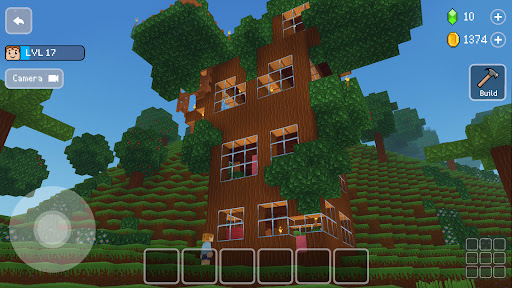
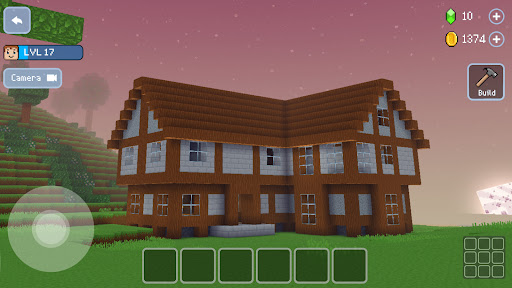
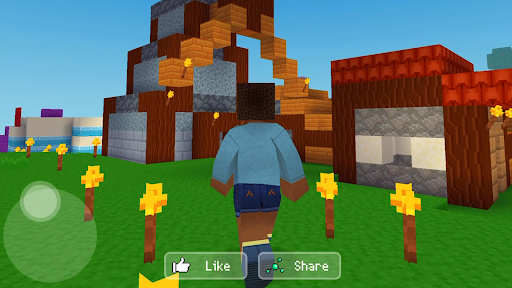
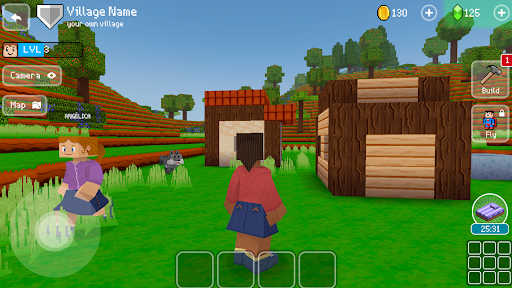
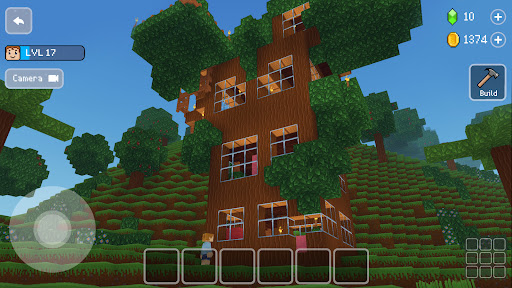
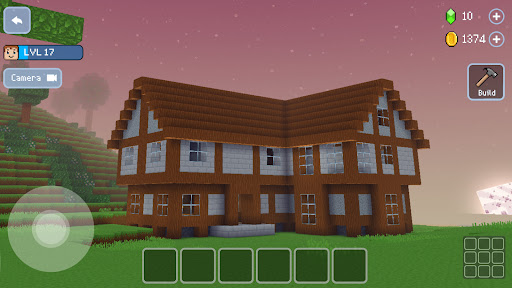
Block Craft 3D: Building Game is a creative sandbox experience where players can design, construct, and expand their own pixel-style city. Instead of following fixed missions, you are free to build houses, landmarks, and entire neighborhoods block by block. The game focuses on creativity, relaxation, and long-term city development.What Makes It Stand Out
Creative Building Freedom
You can place and remove blocks freely to create anything from small homes to massive cities. The building system is simple, making it accessible even for beginners.
City Simulation Elements
As your town grows, new residents arrive and bring life to your creations. You can customize buildings and watch your world evolve over time.
Relaxed Gameplay Loop
There are no strict timers or pressure-based objectives. You can build at your own pace, making it ideal for casual play sessions.
Customization Options
Players can personalize structures, streets, and layouts to create unique city designs that reflect their imagination.
Overall Impression
Block Craft 3D: Building Game is best suited for players who enjoy creativity, design, and open-ended gameplay. It combines simple mechanics with satisfying progression as your city grows into a large, living world.
Quick Start Guide
Step 1: Get StartedDownload Block Craft 3D: Building Game and open the app. Follow the initial tutorial to understand basic controls and camera movement.
Step 2: Learn Basic Controls
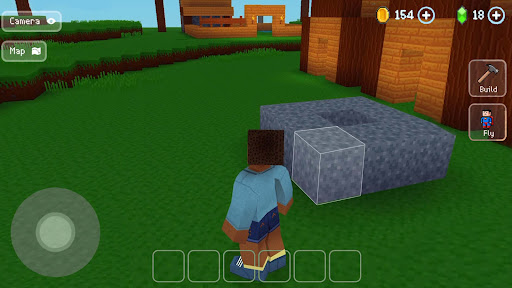
Use on-screen buttons to move, place blocks, and interact with objects. Rotate and zoom the camera to view your builds from different angles.
Step 3: Start Building
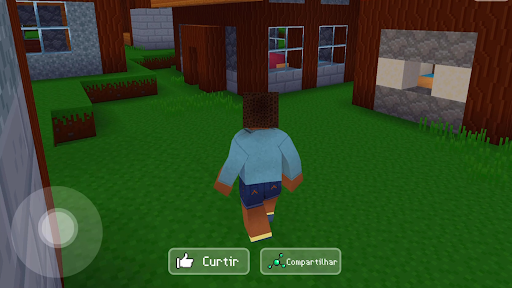
Choose a plot of land and begin placing blocks to create your first structure. Start small with a simple house or room.
Step 4: Expand Your City
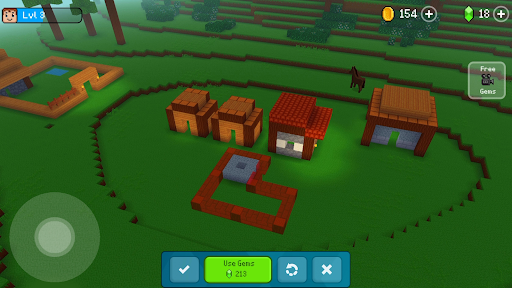
Add more buildings such as shops, roads, and decorations. Expanding your city attracts more virtual residents.
Step 5: Upgrade and Customize
Improve existing structures and experiment with different styles to make your city more unique and detailed.
Step 6: Keep Expanding
Continue building and unlocking new design possibilities as your city grows into a larger creative world.
Related Games



Screen Shots
◀
▶
Featured App