



















Avatar World ®
Country
US
Release Date
2022-12-12 00:00:00
Price
$0.00
File Size
Varies with device
Downloads
100M+
Game Highlights
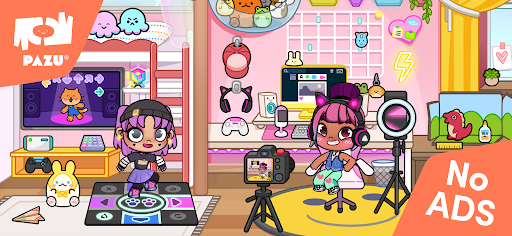
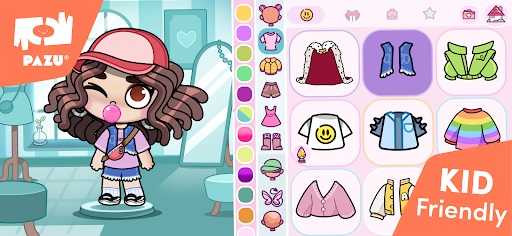
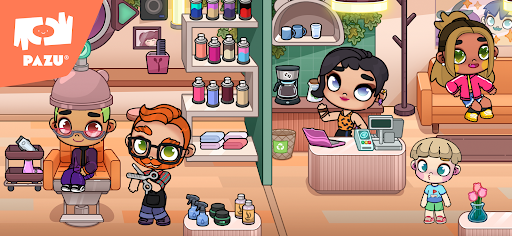
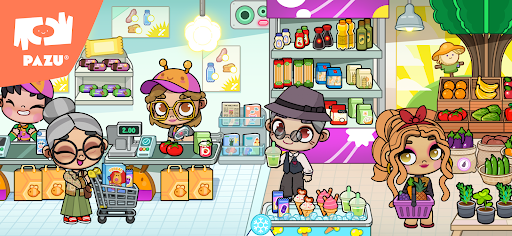
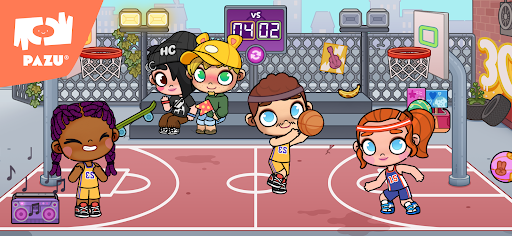
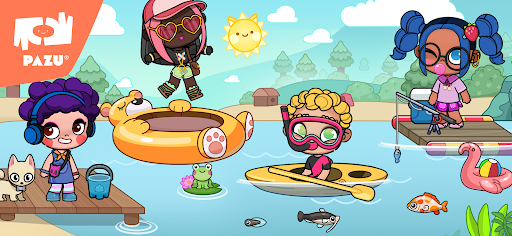
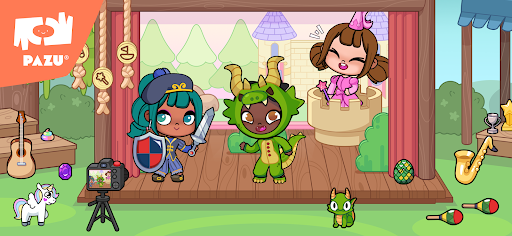
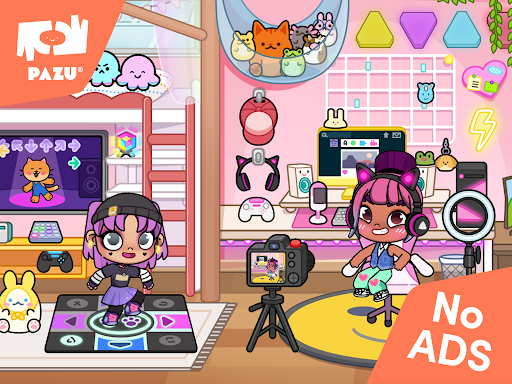
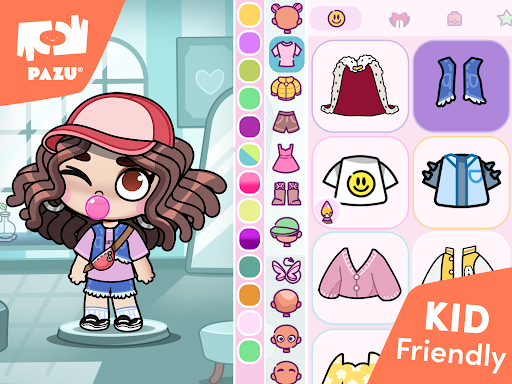
Avatar World is a creative life-simulation game where players build stories, customize characters, and explore interactive environments. It focuses on imagination, role-play, and open-ended storytelling, making it ideal for players who enjoy designing their own virtual lifestyle and scenarios.Players can customize avatars with a wide variety of outfits, hairstyles, and accessories. The game also features multiple locations such as homes, schools, shops, and public spaces where you can interact with objects and create your own narratives. Unlike goal-driven games, Avatar World encourages freedom and creativity, allowing you to shape your own daily adventures.
What Makes Avatar World Stand Out
Creative Role-Play Freedom
There are no strict missions or limits. You can design stories, act out scenes, and explore different roles at your own pace.
Deep Character Customization
Players can fully personalize characters with outfits, hairstyles, and accessories to match different themes or moods.
Interactive Environments
Each location contains interactive objects and hidden details, making exploration fun and rewarding for curious players.
Kid-Friendly Experience
The game is designed with a safe, colorful, and intuitive interface that is easy to understand and enjoyable for younger audiences.
Overall Impression
Avatar World is best suited for players who enjoy creativity, storytelling, and relaxed sandbox gameplay. It focuses more on imagination and expression than competition, making it a long-term casual experience.
Quick Start Guide
Step 1: Get StartedDownload Avatar World from your app store and launch the game. Begin by selecting your initial character and entering the main menu.
Step 2: Create Your Character
Use the customization tools to adjust appearance, clothing, and accessories. Save your avatar before entering the world.
Step 3: Enter the World
Choose a location such as a home, school, or city area to start exploring the environment.
Step 4: Interact with Objects
Tap on items, furniture, and characters to trigger animations or actions. Experiment with different interactions to discover possibilities.
Step 5: Build Your Story
Move characters between scenes and create your own role-play scenarios. Combine items and locations to form unique stories.
Step 6: Explore and Expand
Continue unlocking new areas and items as you progress, expanding your creative options over time.
Related Games



Screen Shots
◀
▶

Featured App