





















Melon Sandbox
Country
US
Release Date
2022-12-23 00:00:00
Price
$0.00
File Size
Varies with device
Downloads
50M+
Game Highlights
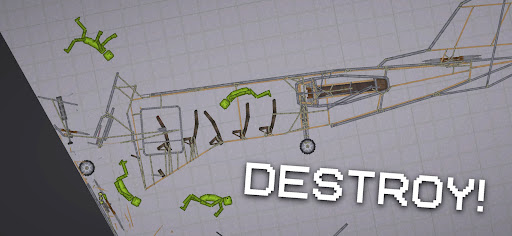
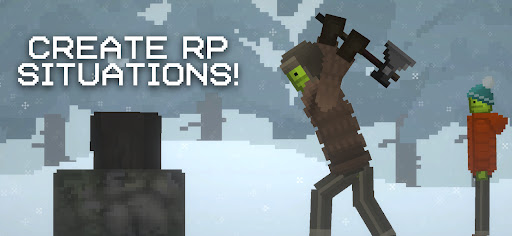
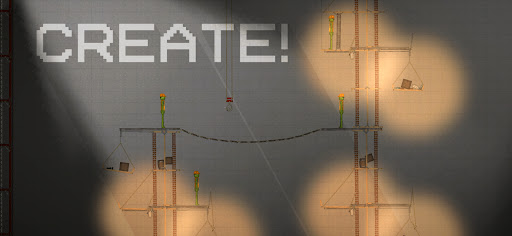
Melon Sandbox is a physics-based sandbox simulation game where players can freely experiment with ragdoll characters, weapons, vehicles, and interactive objects in an open environment. The focus is on creativity, chaos, and unrestricted experimentation rather than structured missions or storylines.Players can spawn different characters and items, then interact with them using physics-driven mechanics such as explosions, collisions, and environmental effects. The game encourages players to test scenarios, create chain reactions, and explore how different objects behave under realistic physics simulation. Every session becomes a unique playground of unpredictable outcomes.
What Makes Melon Sandbox Stand Out
Open Physics Sandbox
A fully interactive environment where players can freely experiment with objects, weapons, and ragdoll physics.
Unlimited Creative Experimentation
No objectives or restrictions—players can build their own chaotic or controlled scenarios.
Realistic Physics Interactions
Objects and characters respond dynamically to forces, explosions, and environmental changes.
High Replayability
Every experiment produces different outcomes, making each session unique and unpredictable.
Overall Impression
Melon Sandbox is best suited for players who enjoy sandbox creativity, physics experimentation, and open-ended gameplay. It offers a highly flexible environment where imagination is the only limit.
Quick Start Guide
Step 1: Get StartedDownload Melon Sandbox and launch the game. Enter the main sandbox environment to begin.
Step 2: Spawn Objects
Open the menu and select characters, weapons, or props to place into the world.
Step 3: Position Your Scene
Arrange objects and characters freely within the environment to set up your experiment.
Step 4: Activate Interactions
Use tools such as weapons, explosives, or physics triggers to interact with spawned objects.
Step 5: Observe Reactions
Watch how objects and characters respond to physics-based interactions and chain reactions.
Step 6: Experiment Freely
Try different combinations to create unique scenarios and effects.
Step 7: Reset and Retry
Clear the scene and start new experiments to continue exploring different possibilities.
Related Games



Screen Shots
◀
▶





Featured App