


















School Party Craft
Country
US
Release Date
2018-02-02 00:00:00
Price
$0.00
File Size
Varies with device
Downloads
100M+
Game Highlights
School Party Craft is a sandbox life simulation game that combines building, exploration, customization, and social-style activities in a colorful block-based world. Players can create homes, customize characters, drive vehicles, interact with virtual environments, and enjoy a wide variety of mini-games and activities. Rather than focusing on a single objective, the game encourages creativity and personal expression.What Makes School Party Craft Stand Out
Open-World Freedom
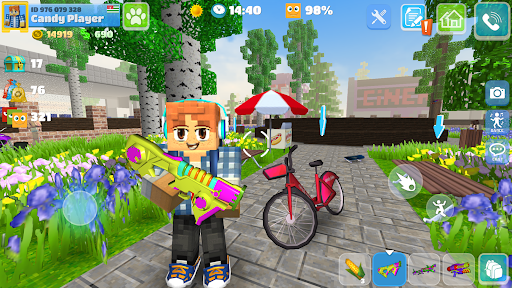
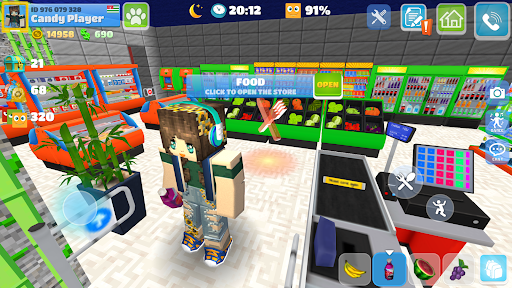
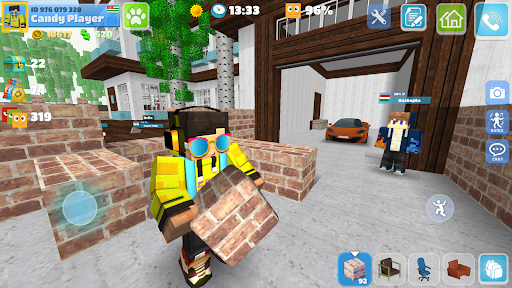
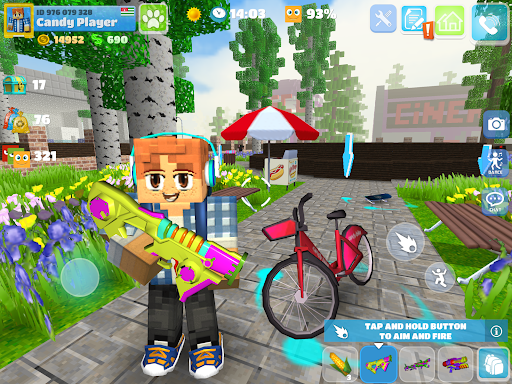
School Party Craft gives players the freedom to explore a large block-style city filled with houses, shops, parks, schools, and entertainment areas. You can decide how you want to spend your time and create your own adventures.
Extensive Character Customization
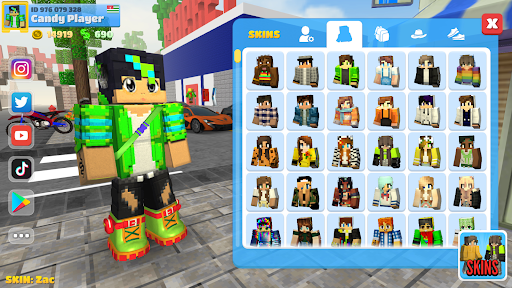
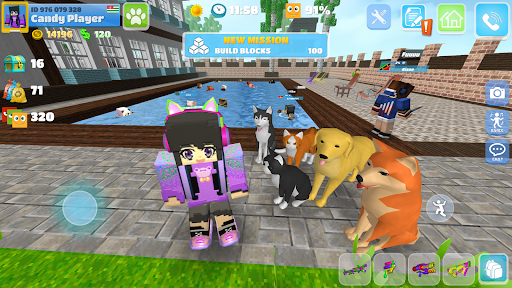
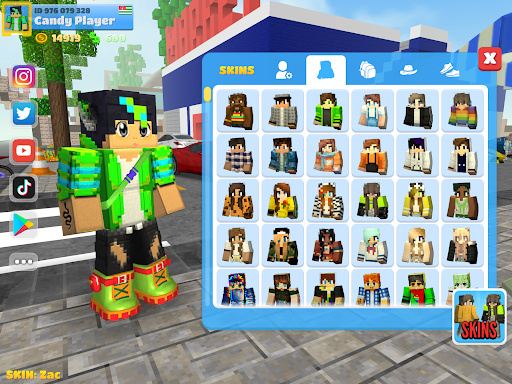
Players can personalize their avatars with different outfits, hairstyles, accessories, and appearances. This allows for a more unique and personalized gameplay experience.
Building and Decoration Features
The game includes tools for designing homes and decorating interiors. Players can collect furniture, arrange rooms, and create customized living spaces that reflect their style.
Vehicles and Exploration
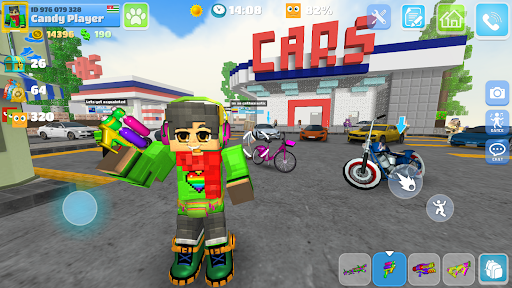
A variety of vehicles are available, including cars, bicycles, and other transportation options. Exploring the city becomes faster and more enjoyable as you unlock new ways to travel.
Casual Social Experience
School Party Craft focuses on creativity, role-playing, and lifestyle simulation. The relaxed gameplay appeals to players who enjoy virtual worlds and sandbox experiences.
High Replay Value
With multiple activities, customization options, and building opportunities, players can continually create new goals and experiences each time they play.
Overall Impression
School Party Craft is an excellent choice for players who enjoy sandbox games, character customization, virtual life simulation, and creative building mechanics. Its open-ended design provides countless opportunities for exploration and self-expression.
Quick Start Guide
Step 1: Create Your CharacterLaunch the game and customize your avatar. Choose your preferred appearance, clothing, and accessories before entering the world.
Step 2: Explore the City
Walk through different neighborhoods, visit buildings, and familiarize yourself with important locations such as homes, shops, schools, and recreational areas.
Step 3: Learn Basic Controls
Practice movement, camera controls, interaction buttons, and inventory management to become comfortable navigating the environment.
Step 4: Customize Your Home
Purchase furniture, decorate rooms, and personalize your living space. Experiment with different layouts to create a unique home.
Step 5: Try Different Activities
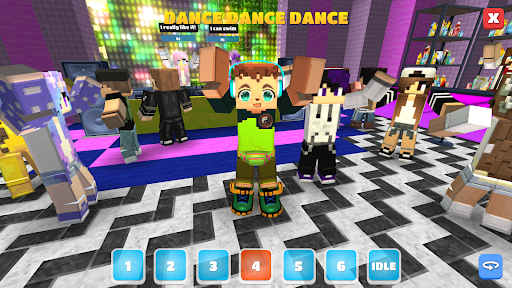
Participate in mini-games, drive vehicles, explore hidden areas, and interact with various features available throughout the city.
Step 6: Upgrade Your Collection
Earn in-game currency and unlock additional outfits, vehicles, furniture, and customization options to expand your experience.
Step 7: Create Your Own Adventures
Set personal goals, build new spaces, explore every part of the city, and enjoy the freedom to play however you choose.
Related Games



Screen Shots
◀
▶

Featured App